Browser-sync is the fastest way to spin up a local web server. It will even open your default browser with the entry point you specify, and live-reload your changes as you make them. It couldn’t possibly be any simpler to test out a site you’re developing locally.
1. Install browser-sync
To get started, install the browser-sync package from npm:
$ npm install -g browser-sync2. Configure the server
Setup a simple static project folder like this (gist):
.
├── bs-config.js
├── foo
│   └── index.html
└── index.html
In your bs-config.js file, list the configuration options for how browser-sync should serve your files, including which file extensions it should watch for changes ("*html","*js","*css"), and what resources should be served by a new route name ("/foo": "foo").
// bs-config.js

module.exports = {
    "files": ["*html","*js","*css"],
    "server": true,
    "port": 3000,
    "routes": {
      "/foo": "foo"
    }
};
Checkout all the options available in the docs.
For this example, I have also included an entry point at index.html, and an additional html file to try a new route:
<!-- index.html -->
<!DOCTYPE html>
<html>
  <head>
    <meta charset="utf-8">
    <title>INDEX</title>
  </head>
  <body>
    <p>
      This is the index
    </p>
  </body>
</html>
<!-- foo/index.html -->
<!DOCTYPE html>
<html>
<head>
<meta charset="utf-8">
<title>FOO</title>
</head>
<body>
<p>
This is a foo
</p>
</body>
</html>Now that you have a sample project outlined, start the server.
3. Start the web server
$ browser-sync start --config bs-config.js
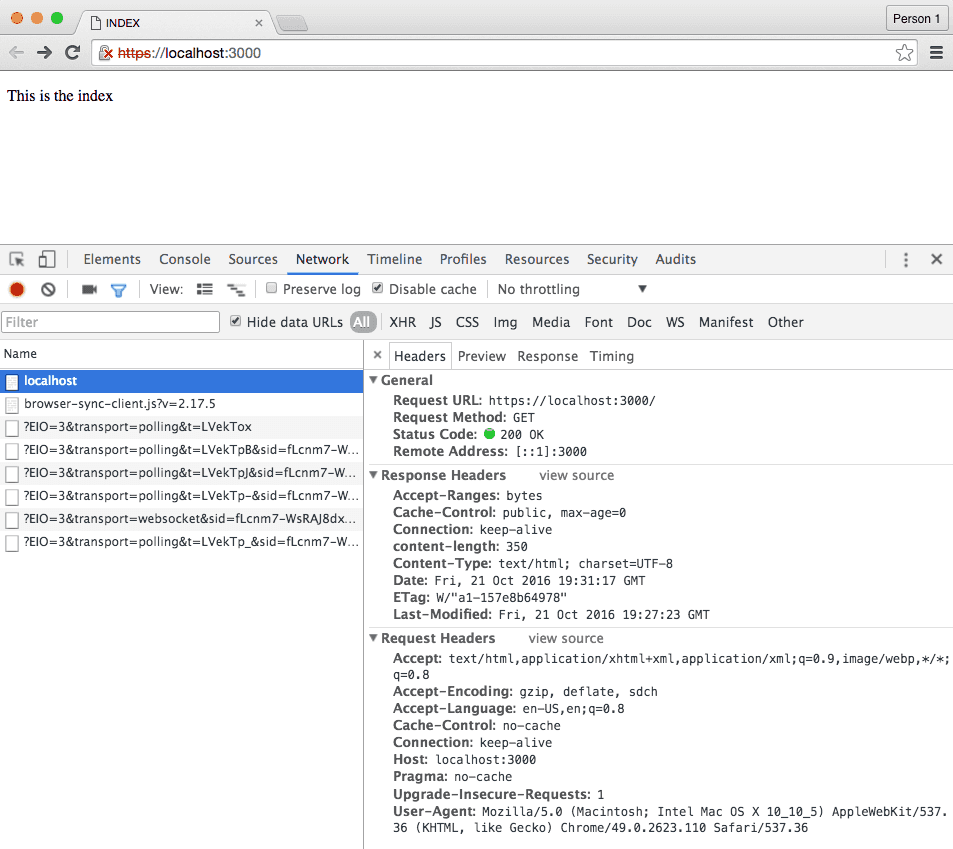
Browser-sync will open your default web browser and load the index.html file:
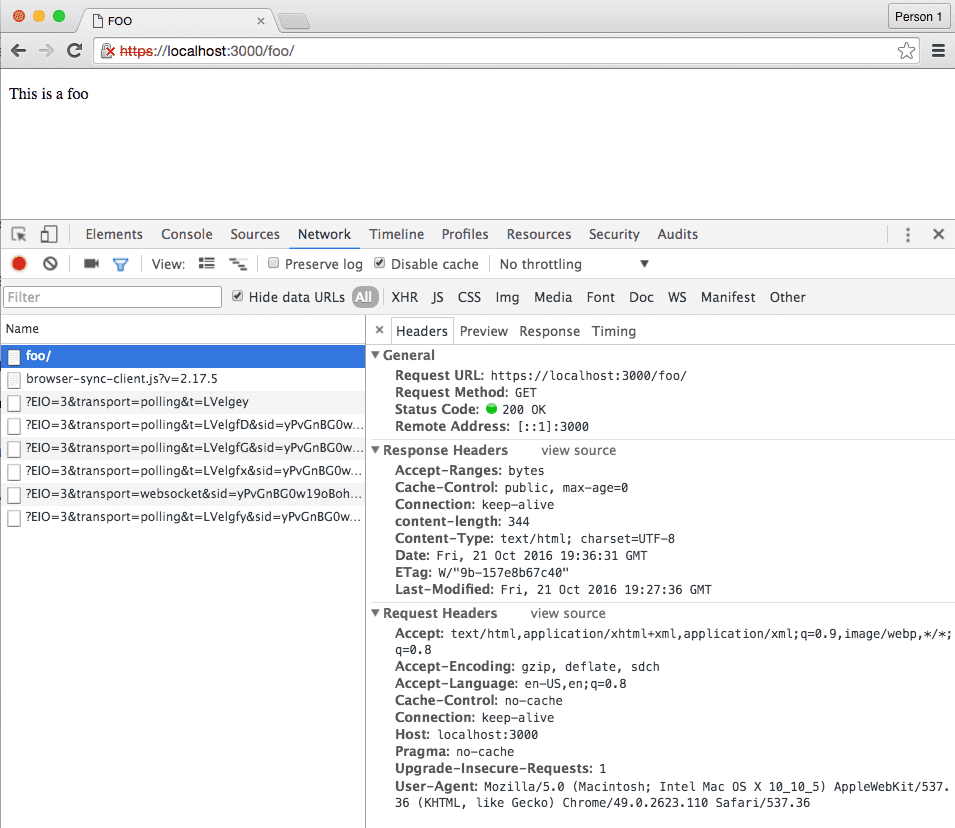
Test out the router by navigating to localhost:3000/foo, and you should see the content of foo/index.html
Serving a local site is just that quick. If you don’t know where to start with your bs-config.js file, you can have browser-sync generate one for you:
$ mkdir testserver && cd testserver
$ browser-sync init
[BS] Config file created bs-config.js
[BS] To use it, in the same directory run: browser-sync start --config bs-config.js
In the generated config file, you find all the options that are used internally, but there are many more described on the website:
module.exports = {
    "ui": {
        "port": 3001,
        "weinre": {
            "port": 8080
        }
    },
    "files": false,
    "watchOptions": {},
    "server": false,
    "proxy": false,
    "port": 3000,
    "middleware": false,
    "serveStatic": [],
    "ghostMode": {
        "clicks": true,
        "scroll": true,
        "forms": {
            "submit": true,
            "inputs": true,
            "toggles": true
        }
    },
    "logLevel": "info",
    "logPrefix": "BS",
    "logConnections": false,
    "logFileChanges": true,
    "logSnippet": true,
    "rewriteRules": [],
    "open": "local",
    "browser": "default",
    "cors": false,
    "xip": false,
    "hostnameSuffix": false,
    "reloadOnRestart": false,
    "notify": true,
    "scrollProportionally": true,
    "scrollThrottle": 0,
    "scrollRestoreTechnique": "window.name",
    "scrollElements": [],
    "scrollElementMapping": [],
...
For example: to test your application over https, set "https": true right beneath your server options. When browser-sync opens the browser with your entry point, the browser should warn you that the connection isn’t safe:
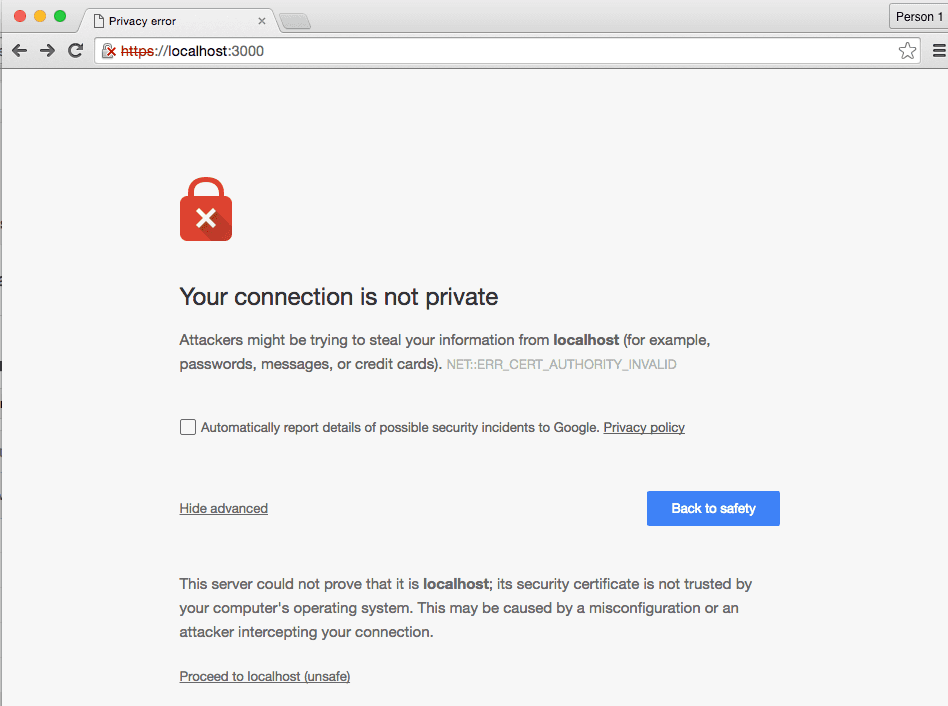
Click on Proceed to localhost (unsafe) to load your content.
Easy peasy.